

The Agent Gallery
To view the available agent blueprints, visit the Agent Gallery in the Developer Console. This presents a view showing cards for each of the available agent blueprints.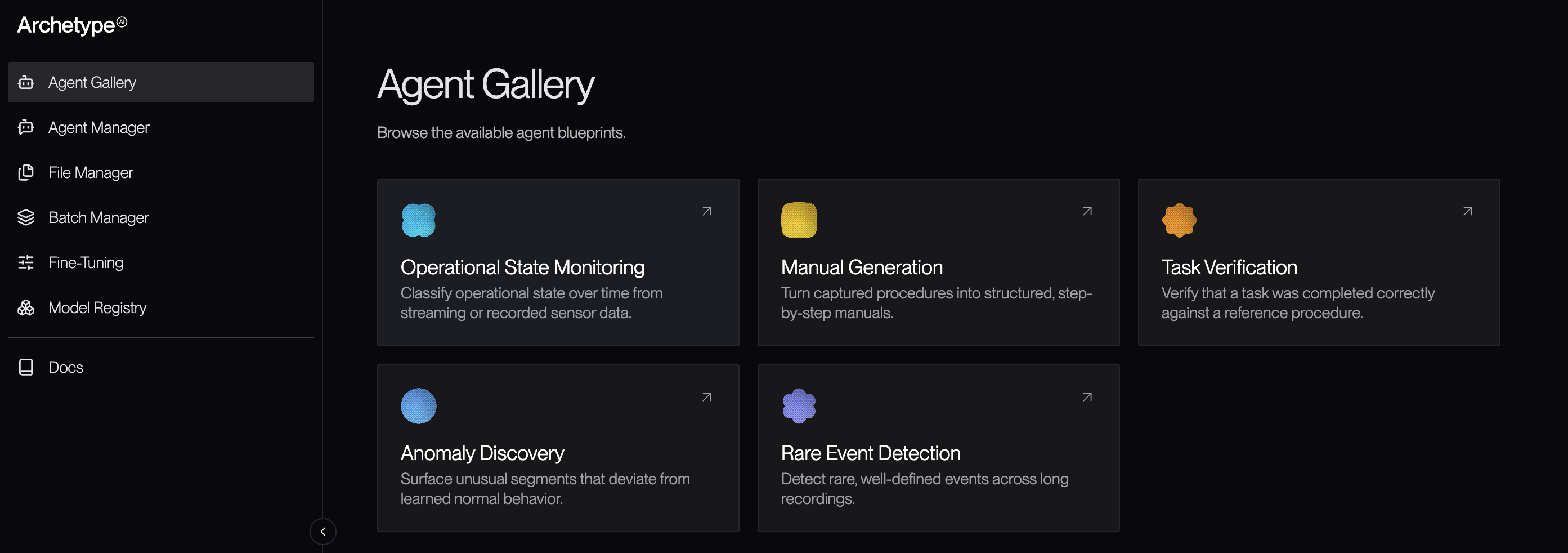
The Agent Blueprint Details Page
The agent blueprint details page provides information about the blueprint, including a list of common use cases and access to tools that let you experiment with and try out the blueprint. On this screen, you can also choose to view the blueprint’s code by clicking the View code button, and you can view documentation about the agent blueprint by clicking View docs.On This Page
- Use cases: A list of common use cases for agents started from this blueprint.
- Try it in the playground: Most agents offer one or more playgrounds, where you can try running the agent against real data, with log access and access to the output as it comes in.
- Test it out: Details on how to build and run a standalone example, either in your terminal or using agent skills.
Not all agent blueprints offer all of these sections.